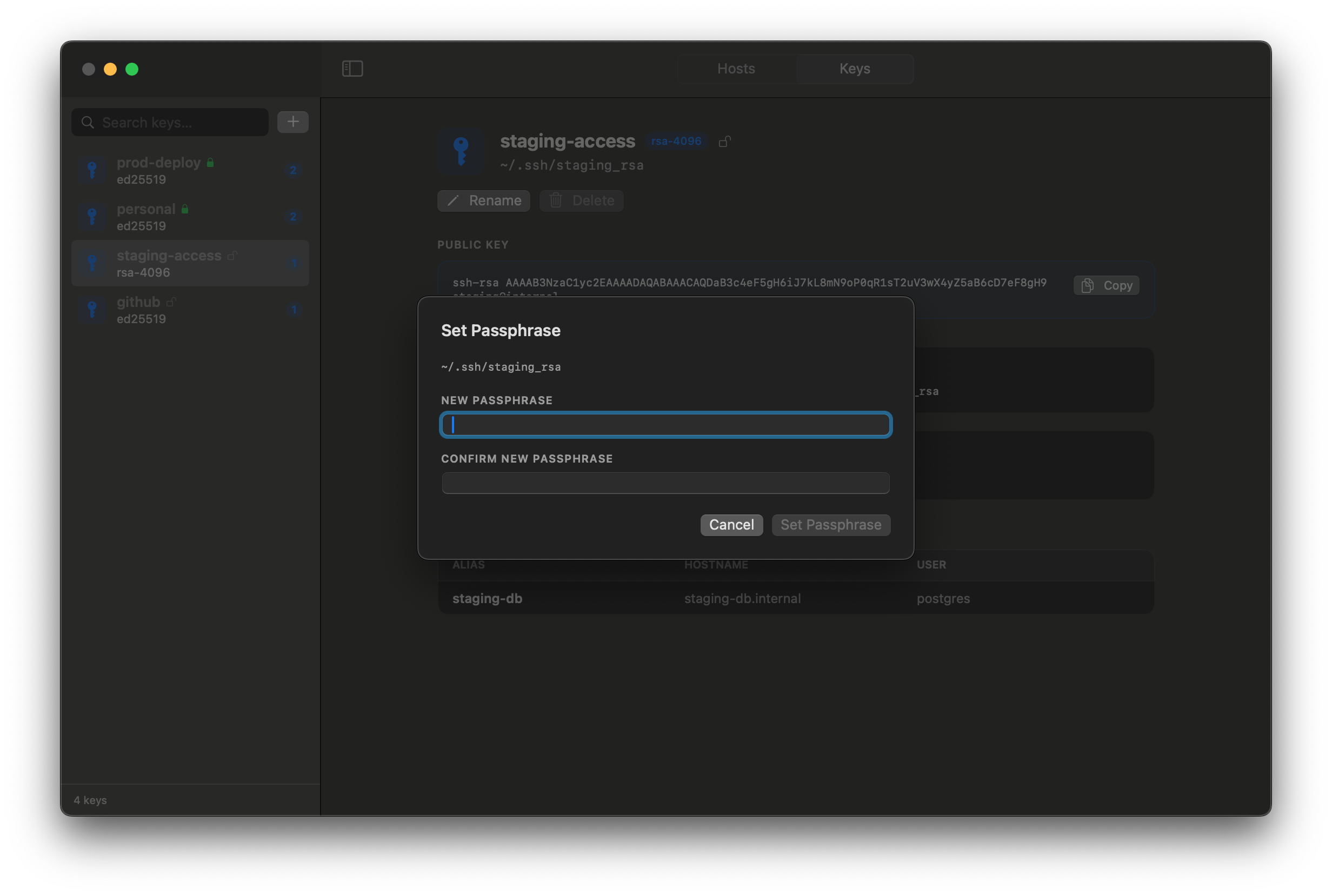
A clean desktop UI to manage your
~/.ssh/config
hosts and SSH keys. Built for developers and DevOps engineers who live in the terminal.
Manage SSH config and keys without leaving your desktop.
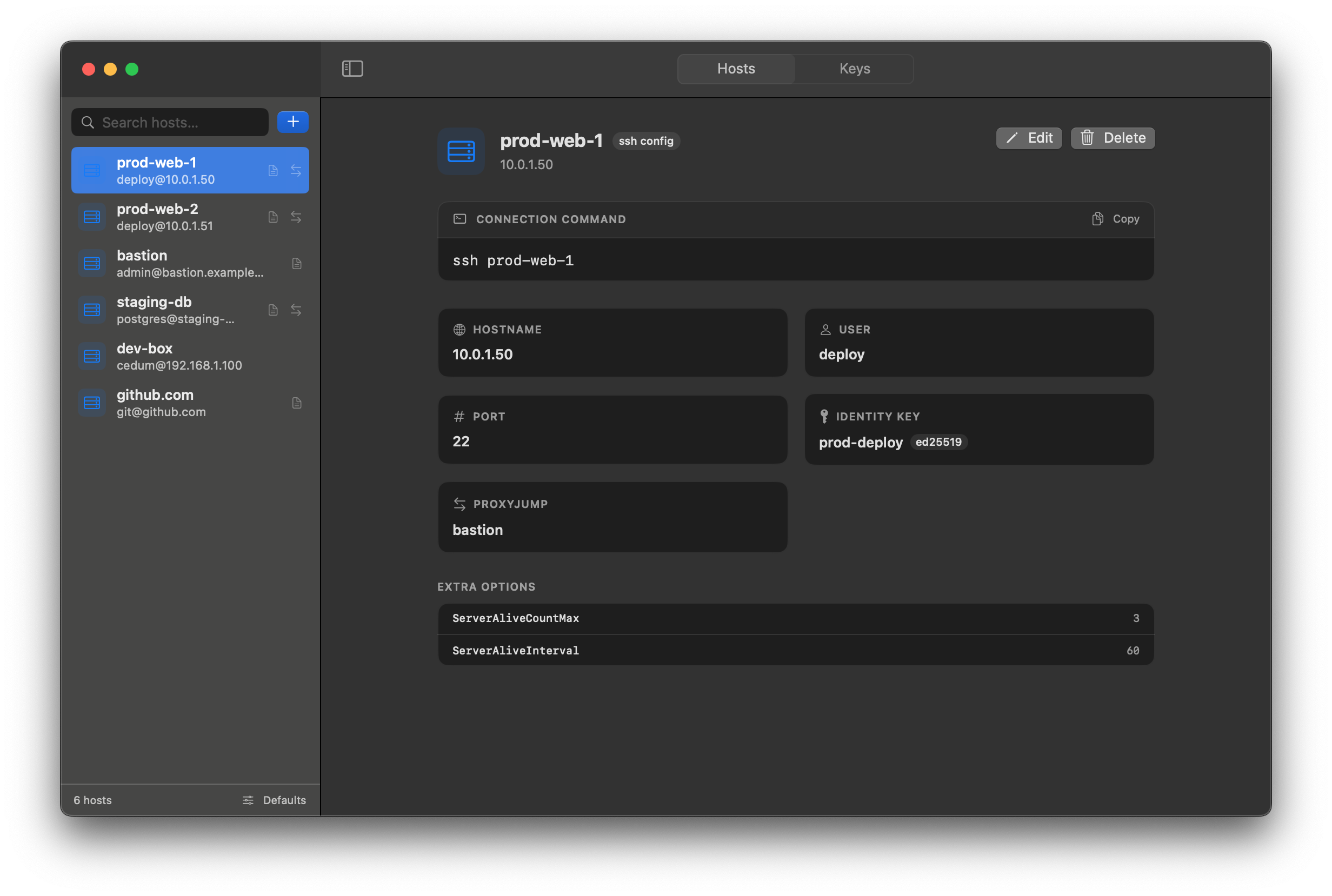
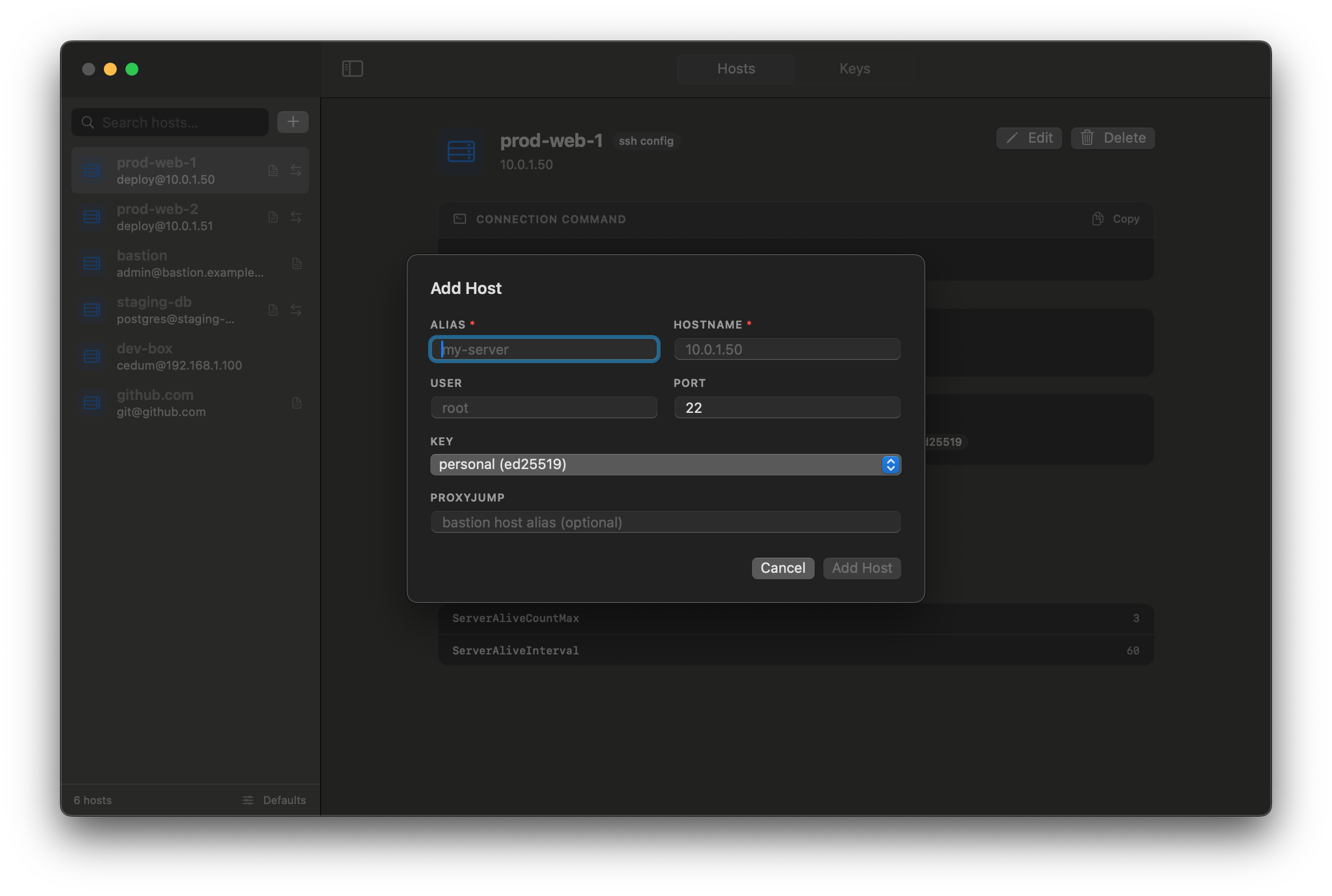
Browse, add, edit, and delete SSH config hosts. Reads directly from your ~/.ssh/config file — no proprietary format, no lock-in.
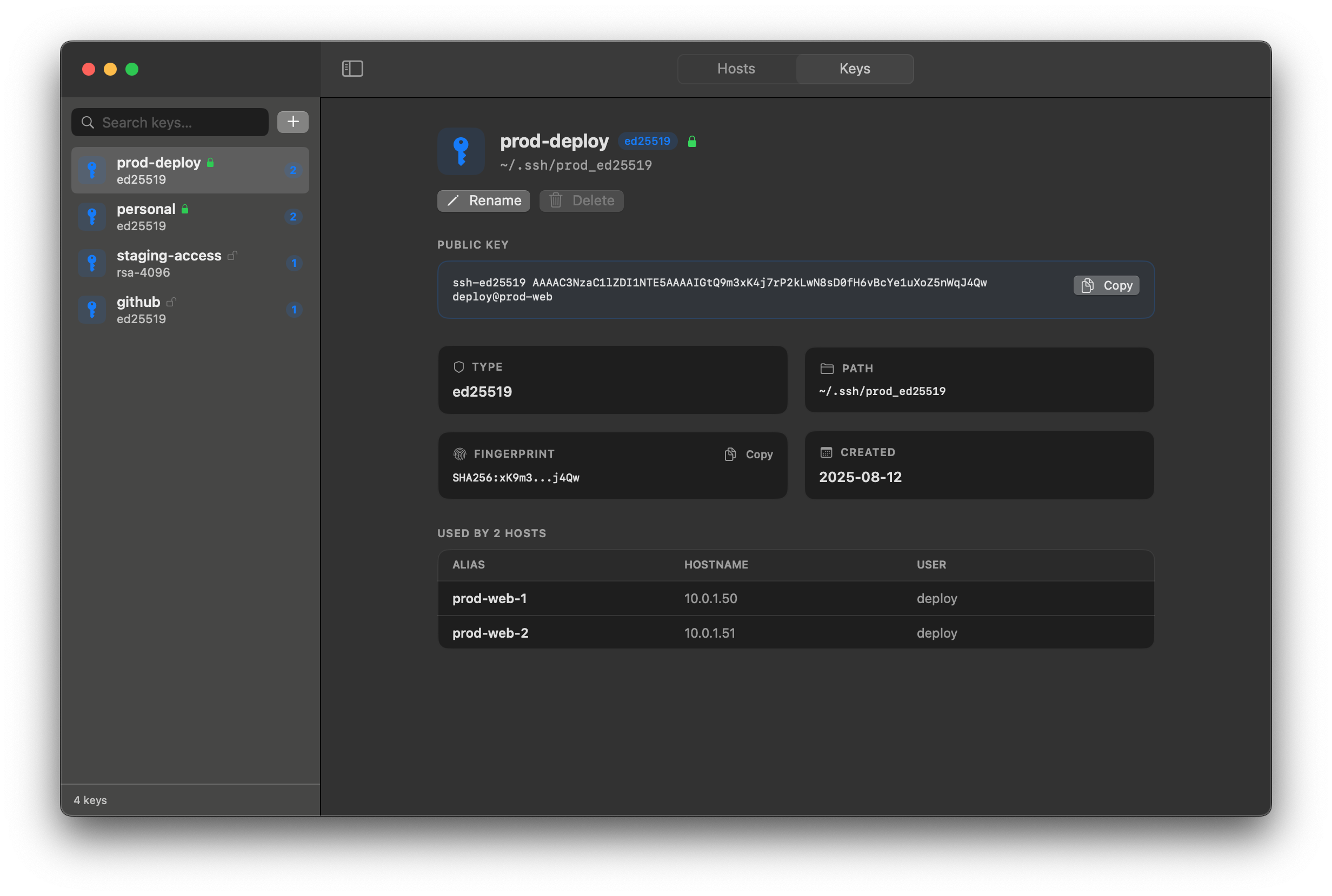
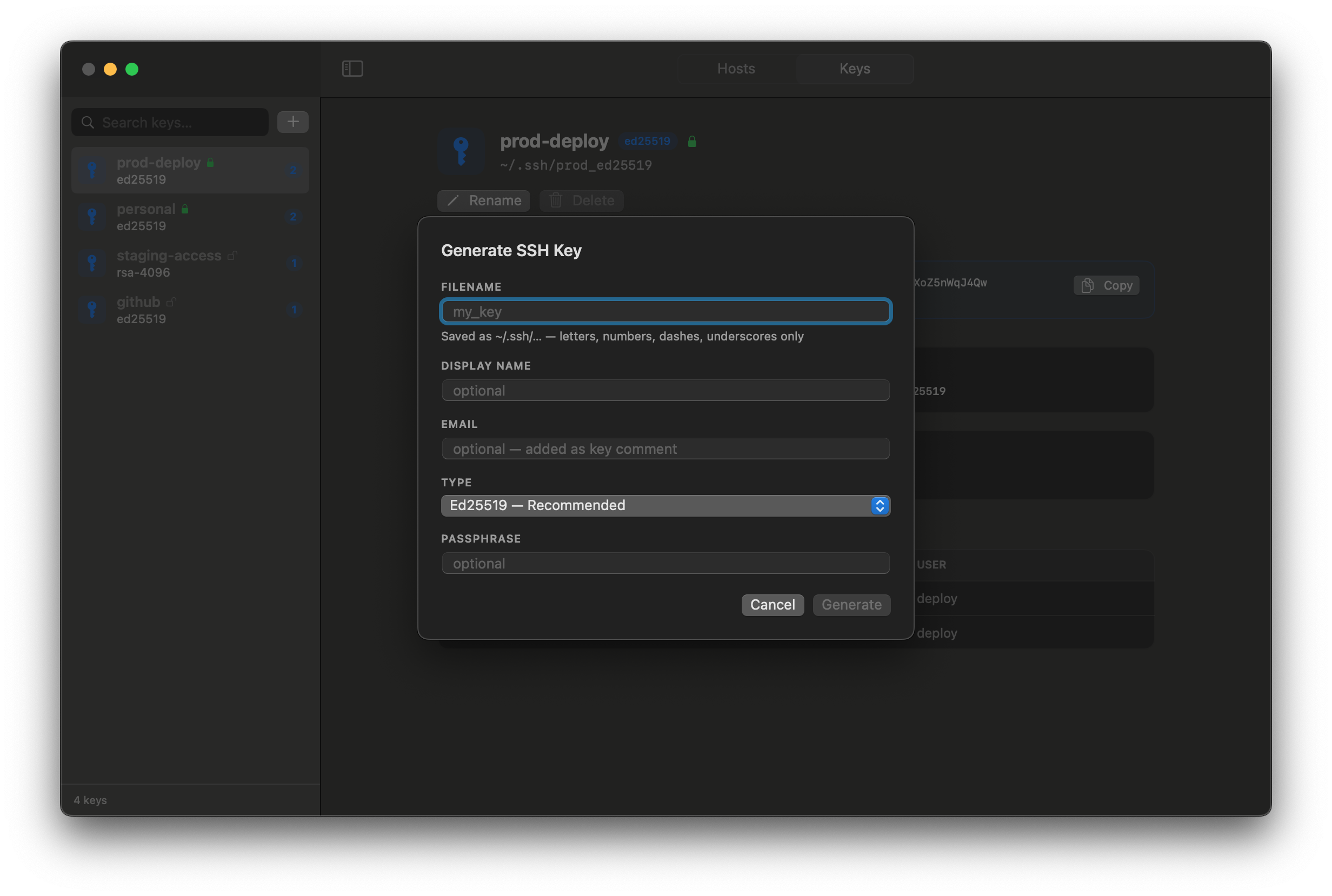
See all your SSH keys at a glance. Scan, rename, and organize keys across your .ssh directory. Add or change passphrases on existing keys without touching the terminal.
SSHVault reads and writes standard OpenSSH config. Every change is a valid config edit — use the GUI or the terminal interchangeably.
No accounts, no cloud sync, no telemetry. Your private keys and host configurations never leave your machine.
Built in Swift and SwiftUI with zero external dependencies — no Electron, no web runtime, no bundled Node. A tiny, signed binary that launches instantly and feels like macOS.
See all your hosts, keys, and config at a glance. No more digging through dotfiles to remember what's where.
SSHVault is a local-only desktop application. There are no user accounts, no cloud services, and no network requests. Your SSH keys and host configs are read from and written to your local filesystem only.
Tips, guides, and best practices for SSH power users.
ssh-keygen is the built-in tool for creating SSH key pairs on macOS. Here's how to use it well — the flags worth knowing, and how to keep your keys organized once you have a few.
Read moreStop typing the same long ssh commands every day. The OpenSSH config file lets you define aliases, defaults, and per-host settings — here's how to use it.
Read moreEd25519 keys, passphrase protection, agent forwarding risks — a practical checklist to lock down your SSH setup.
Read moreFree to download. No account required.
Requires macOS 13 Ventura or later. Apple Silicon & Intel supported.